Find the next match.
Search the in-app match catalog by match, series, club, or state. Add the match to your library and open its Impact registration page when you are ready.
// Version 2.0 · competitor edition
iOS 18+ · iPhone · No account required

Tell us what you shoot, where you shoot it, and the iPhone you would test with. Your message goes straight to the support inbox.
Name, state or club, iPhone model, and the matches you shoot are helpful.
// Captured from version 2.0
Every screen below comes from the current competitor build: five tabs, Match Finder, Match Book, Stage Log, Rifles, and DMB Lab.

Search the in-app match catalog by match, series, club, or state. Add the match to your library and open its Impact registration page when you are ready.

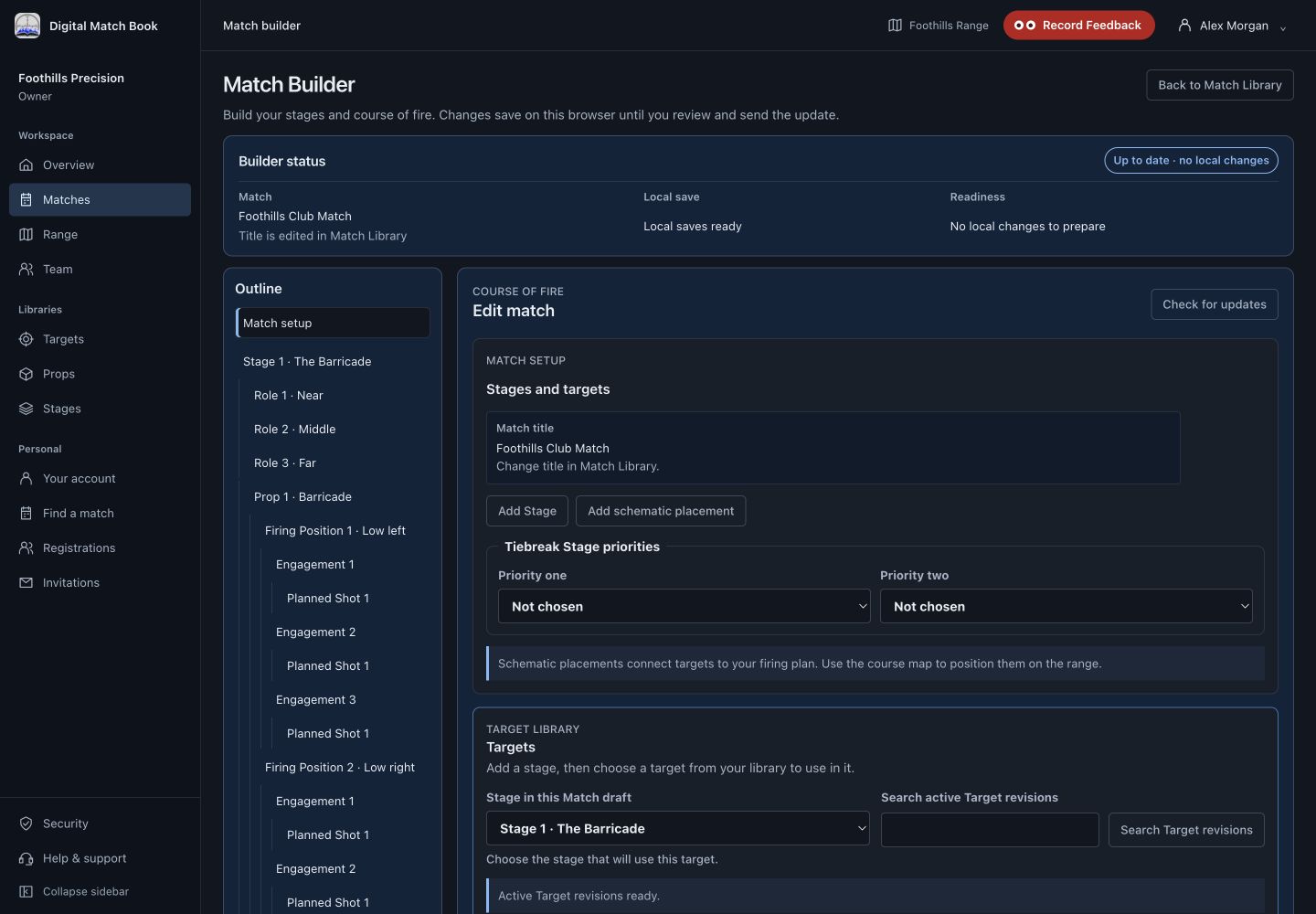
Import a shared base match by Nearby or Paste, or build from a COF document, photos, or text. Review an assisted draft before creating the match.

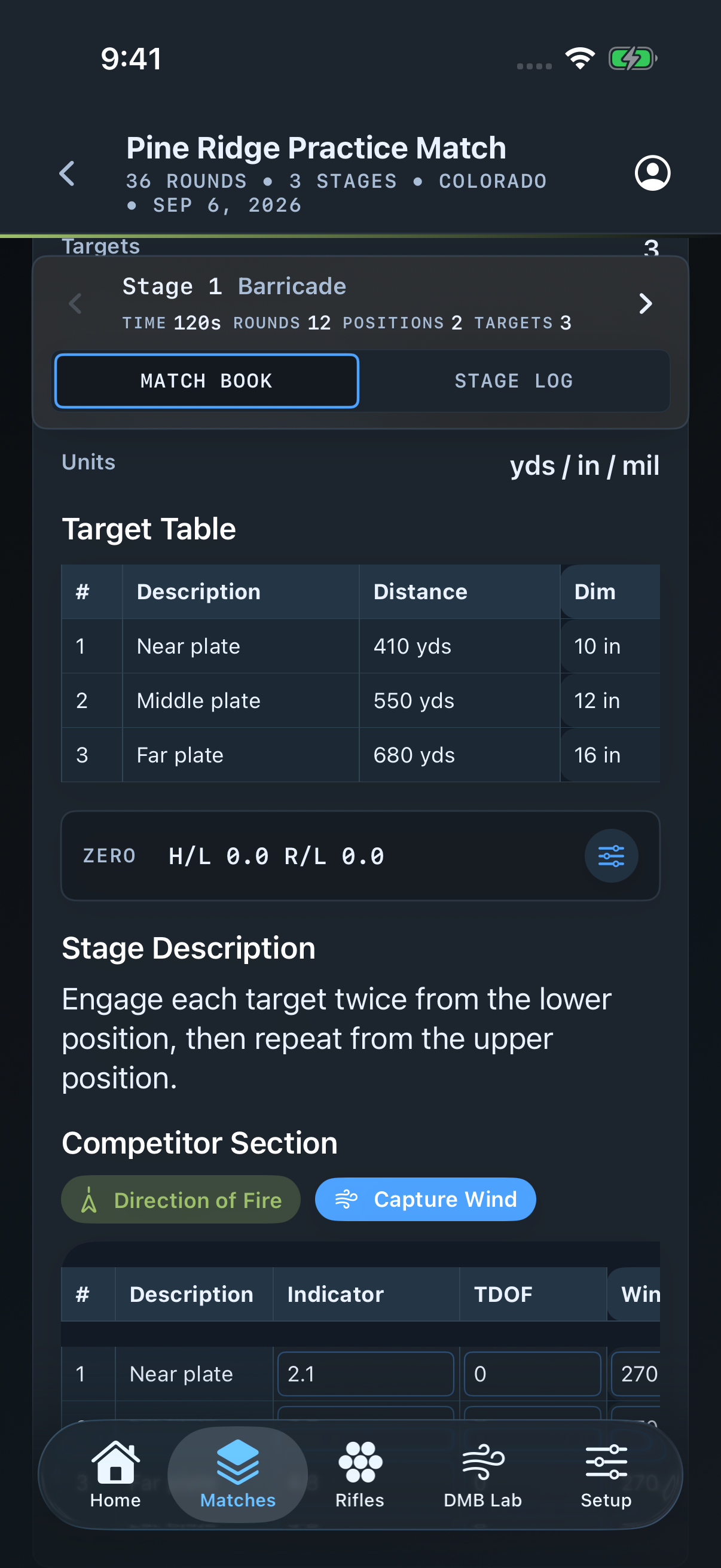
Keep the target table, current zero, stage description, wind plan, and Kestrel wind capture beside the stage you are about to shoot.

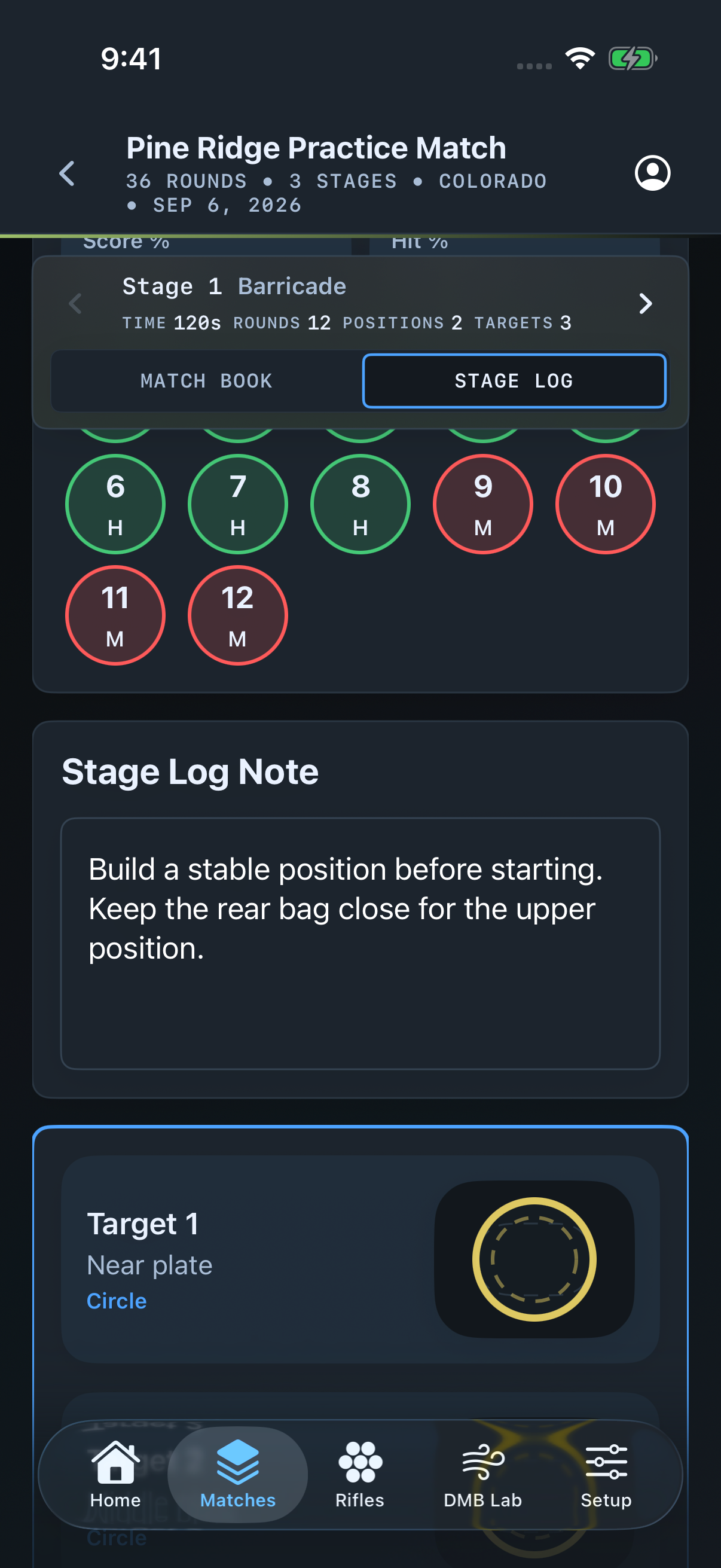
Record your own hits, misses, and no-shots, then keep PEWS, stage notes, target impacts, and prop photos with the stage.

Profiles carry barrels, current loads, bullet-count logs, ladder tests, and the measurements that matter between matches.

Connect a Kestrel, watch live metrics, record sessions, and analyze captured wind speed and direction for the match.
// Competitor edition
Version 2.0 is focused on the competitor: finding the match, preparing the stage, recording what happened, and learning from the rifle and field data afterward.
Start with a real match instead of an empty notebook.
Keep the information you need beside the stage.
Carry useful learning into the next match.
// Match day workflow
Search the in-app catalog, add a local match shell, or import a shared base match by Nearby or Paste. COF assist accepts a document, photos, or text.
Review targets and distances, set the rifle and current zero, prepare wind holds, capture Kestrel wind, and work the checklist.
Log hits, misses, and no-shots, then preserve PEWS, notes, impact plots, photos, and final match metrics with the book.
// Between matches
Keep profiles, active barrels, current loads, bullet-count logs, and ladder tests together. Share a rifle-data package when you choose without sending the rest of the match book.

// DMB Lab
Version 2.0 includes Connect, Live, Sessions, Analyze, and an experimental Solver. Live readings and recorded sessions are real current surfaces; the solver stays clearly labeled while its validation work continues.

// No cloud between you and your data
Matches, rifles, logs, and DMB Lab sessions live on your device. The app does not require an account or season-sync service.
Sharing is deliberate: export encrypted base-match packages, rifle-data packages, backups, PDFs, CSV, or JSON when you choose.
Optional COF import sends only the content you select to OpenAI using an API key stored in your device Keychain, and only after you approve the transfer for that import.
Matches, stage logs, rifles, settings, and recorded lab sessions.
Nearby, paste, file share, PDF, backup, CSV, and JSON workflows.
Selected COF content only, reviewed before it becomes a match.
// Digital Match Book 2.0
We are looking for competitors who will test Match Finder, imported COFs, stage prep, stage logs, rifle data, and DMB Lab in the field.